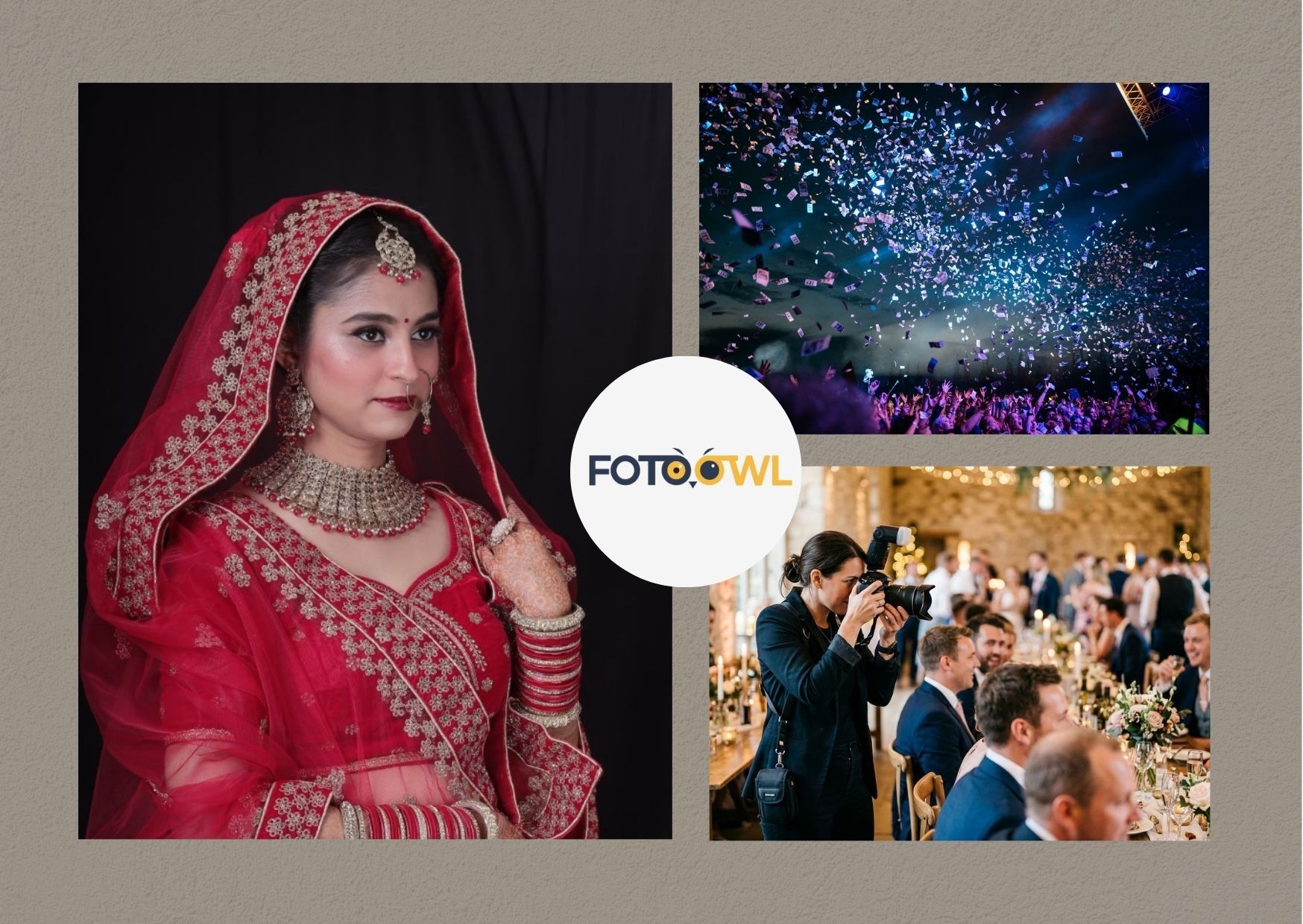
Start with guest experience and access control
Look for simple entry points such as a shareable link, a QR code on-site, or an email-based lookup that doesn’t require guests to create accounts. Guests event photo sharing app should be able to view, download, and share memories in a few taps, even on mobile data. The best setups also make it clear where photos come from and what information guests need to locate their set.
Next, evaluate access control options so you can protect privacy while still keeping sharing effortless. Consider whether the platform supports password-protected galleries, expiring links, or role-based permissions for event staff and photographers. If your event includes sensitive content, you’ll want strong privacy controls and a clear workflow for approvals before images go live. Practical apps also provide reporting or basic analytics so you can see whether guests are reaching the gallery and interacting with it.
Plan your upload workflow for fast, consistent results
A practical guide to photo sharing begins with how images will move from camera to gallery. Choose a solution that supports bulk uploads, clear organization, and predictable naming so photos don’t end up mixed across sessions. If multiple photographers best online galleries for photographer are involved, confirm the app can handle separate albums or collections without manual re-sorting. You’ll also want a workflow that minimizes repeated steps, such as automatic thumbnail generation and efficient metadata handling.
Pay attention to how the app deals with image quality and formats. The platform should preserve resolution suitable for downloading while still creating lightweight previews for fast browsing. Check whether you can add captions, tags, or location details so guests can quickly recognize moments. For events with different groups—like workshops, performances, or corporate sessions—album segmentation should be straightforward and consistent. FotoOwl.AI can help by letting you collect, organize, and share event photos effortlessly while giving guests a convenient way to access their memories.
Use galleries that scale and feel professional
Not all online galleries are equal, especially when guest counts rise. When comparing options, consider how galleries handle large volumes of images without slowing down. The interface should support smooth scrolling, search, and easy navigation between albums so guests don’t feel lost. You should also look for customization features such as branding, theme options, and consistent layouts that make the gallery feel polished rather than generic.
A photographer-friendly platform should provide predictable album management, quick updates, and a reliable way to share drafts with clients before final publishing. Ensure the platform can accommodate multiple events in one account and keeps each event separated cleanly. It’s also useful if downloads are handled well, offering high-quality originals where appropriate and preventing confusion caused by mixed file versions.
Conclusion
Start by ensuring guests can access photos quickly with clear sharing methods and privacy controls that match your event needs. Then verify the upload and organization workflow so galleries are consistent, searchable, and easy to navigate. Finally, choose a platform with gallery tools that scale smoothly and look professional across devices. With FotoOwl.AI, you can streamline the full process of collecting, organizing, and sharing event photos while giving guests a convenient way to access their memories. That practical approach helps events deliver a better guest experience without turning photo delivery into a time-consuming task. Use the steps above to evaluate features, test real sharing flows, and select the setup that best fits your event style and audience expectations. FotoOwl.AI supports a smooth end-to-end workflow so your photos feel connected to the event, not buried in scattered files.
