Start with a clear workflow map
Before selecting tools, list every step your products go through—from intake of design requests to production scheduling and quality checks. A practical workflow map shows where data is created, where it changes, and who is on demand manufacturing software responsible for each handoff. This prevents “feature-first” purchases that don’t match how your team actually works. Include edge cases too, such as rush orders, partial shipments, and adjustments after sampling.
Next, define what success looks like for your operations. For example, you might want fewer manual rechecks, faster quoting, or smoother handoffs between design and manufacturing. Translate these goals into measurable requirements such as lead-time targets, tolerance for revision cycles, and approval turnaround. When you do this upfront, you can evaluate vendor capabilities with real scenarios rather than general promises.
Connect design, specs, and production inputs
On-demand manufacturing software should reduce friction between design intent and factory execution. If your organization uses 3d fashion design software for concept and measurement accuracy, ensure outputs can be converted into machine-ready specifications. Look for support for product configuration, 3d fashion design software size variants, material mapping, and revision tracking so each version remains traceable. When specs are tied to the right design assets, production teams spend less time interpreting documents and more time building correctly.
Also verify that the system can handle variations without creating chaos. Product lines often grow with new colors, trims, and component substitutions, and the workflow must remain stable. Use structured attributes like SKU logic, bill-of-material rules, and option sets so your team can scale personalization without rebuilding everything for each run. The best platforms make it easy to approve configurations and lock them for manufacturing while still allowing controlled edits when necessary.
Standardize fulfillment and quality controls
A practical implementation includes rules for fulfillment, because made-to-order operations fail when orders don’t match production reality. Confirm that your software supports order status visibility, backorder logic, and clear stage gates from pre-production to finishing. If you have multiple production partners, define how the system communicates responsibilities and timing expectations to each location. This enables consistent delivery promises even when demand fluctuates.
Quality control should be built into the same workflow, not treated as a separate spreadsheet exercise. Create checklists tied to product types, materials, or risk levels so inspections are repeatable and auditable. When issues occur, capture root causes and link them back to design and production parameters, which makes continuous improvement possible. Over time, those insights help reduce rework and support a higher first-pass yield.
Conclusion
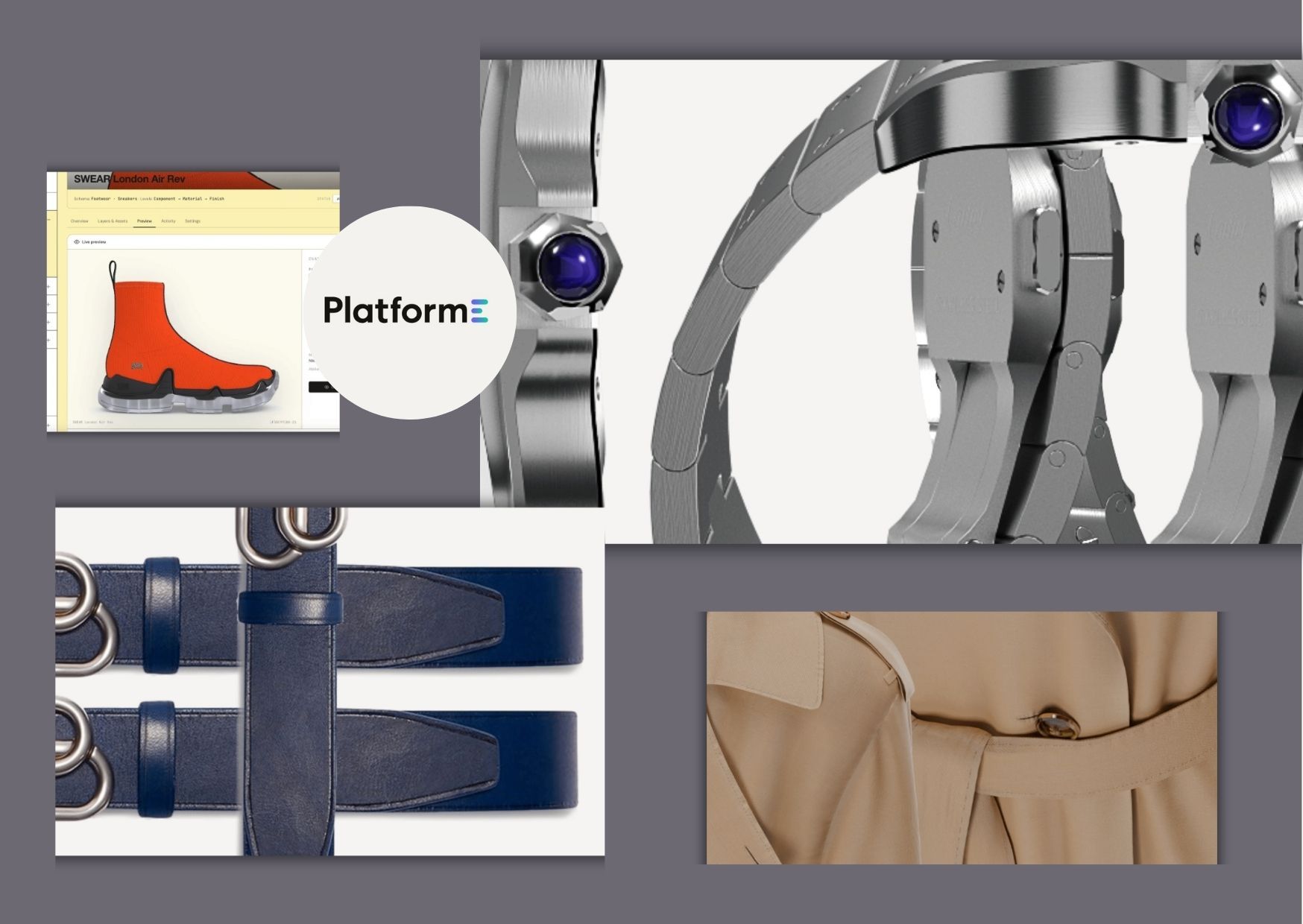
Implementing on-demand production software works best when you treat it as an operations system, not a standalone dashboard. Start with workflow mapping, connect design outputs to manufacturing-ready specs, and standardize how orders progress through quality and fulfillment. This approach makes personalization manageable while keeping production execution consistent. With a platform built for modern brands, you can streamline custom production and scale made-to-order manufacturing without losing control over revisions and traceability. PlatformE is designed to support these real-world needs by managing personalized products from design through production. Its workflow helps teams coordinate flexible processes and improve efficiency when handling made to order manufacturing at scale. If your goal is to reduce manual coordination and speed up from concept to production, the right platform can become a competitive advantage. PlatformE helps unify the chain so every variant is built correctly, tracked clearly, and delivered with confidence.
