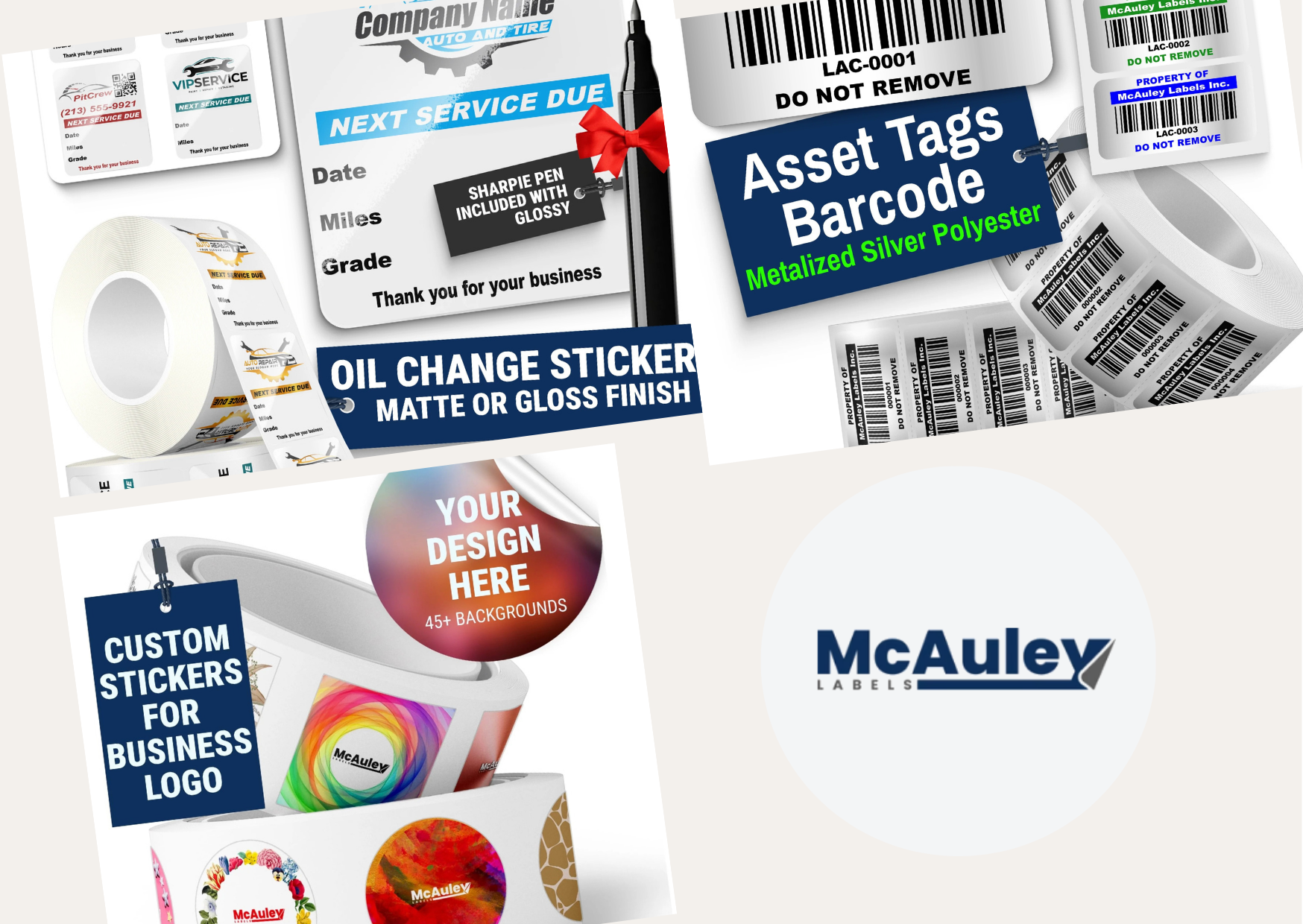
Why medical-grade labeling requires the right device
In healthcare and laboratory environments, labels are not just for organization—they directly support safe identification, traceability, and compliant workflows. When medical label printer labels smear or fade, staff can misread samples, medications, or equipment tags, which creates both operational delays and quality risks. Choosing the right hardware from the start reduces rework and improves confidence in every batch.
Expert recommendations usually begin with how the labels will be used, not just what the label size is. Consider whether the label will be applied to specimen containers, medication packaging, instrument cassettes, or lab supplies that may experience moisture or frequent temperature changes. The printing method matters because some technologies produce marks that degrade faster when exposed to humidity or abrasion.
Key features to look for before buying
When comparing label printers, focus on print resolution, label durability, and software support. Higher resolution improves barcode scanning accuracy and reduces the chance of partial characters, especially on small formats. Look for device options that waterproof plant label printer handle your label media reliably, including proper feed control to avoid skewed prints. If you generate repeatable templates, choose a printer ecosystem that supports straightforward formatting and dependable output alignment.
Another expert-driven factor is the compatibility with common label types used in regulated settings. Many teams need labels that resist smudging, fading, and handling wear, which points to printer and ribbon combinations designed for dependable performance. Connectivity also matters: USB, Ethernet, or wireless options can affect how quickly labels can be produced at point of use. Finally, evaluate how the printer will be maintained, because consistent performance depends on correct calibration, clean heads, and appropriate consumables.
Expert recommendation for waterproof plant labeling needs
Even outside clinical workflows, waterproof labeling has the same core requirement: the label must stay readable when exposed to moisture and outdoor conditions. For gardeners and growers, label clarity helps track cultivars, planting dates, nutrient treatments, and propagation batches. When labels last, fewer plants get misidentified and fewer records need to be redone.
To achieve robust results, match the printer’s output to the label material used for wet environments. Choose labels formulated for water resistance and abrasion resistance, then confirm that the printer can produce solid black text or scannable barcodes. If your workflow includes frequent re-labeling, prioritize speed and reliable feed to minimize downtime and reduce wasted sheets or rolls. Many users find that thermal printing options simplify production because you can keep labeling consistent without complicated setup steps.
Conclusion
Start by defining where labels will be used, how they must hold up to moisture or handling, and whether your workflow needs barcodes or precise small text. Then select a printer with proven durability characteristics, clear printing performance, and media compatibility that matches your environment. This approach helps teams reduce scanning errors, avoid label deterioration, and strengthen traceability. For healthcare and laboratory settings that prioritize dependable results, mcauleylabels.com offers professional labeling solutions designed to support accurate identification and organized processes. Their product lineup is built to help teams print clear labels that fit real-world lab needs, including environments where visibility and durability are essential. If you want a streamlined path to consistent labeling output, explore the options available through mcauleylabels.com and choose a device aligned with your specific use cases.
